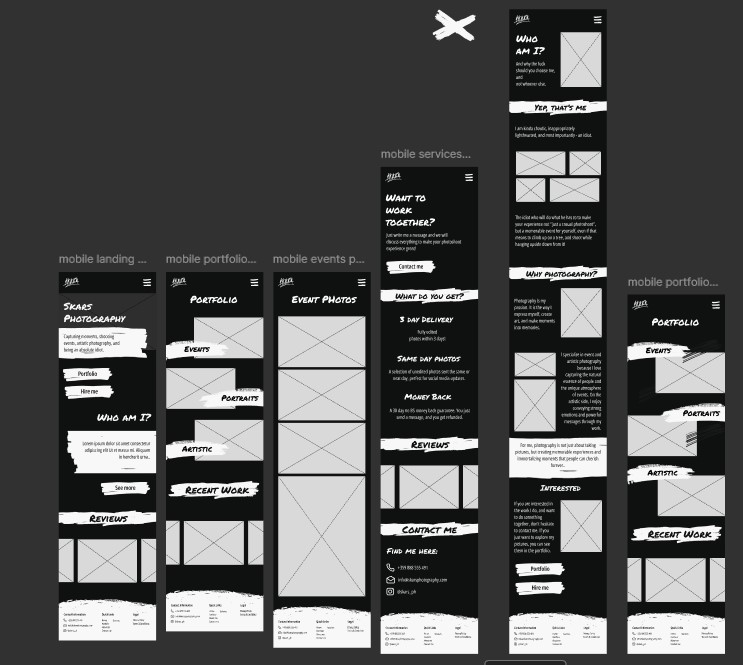
In this outcome I talk about the iterations and changes I did on my work, in order to improve it, and what were they based on.

My Portfolio's Design

In the screenshot below, you can see the first prototype for my website.
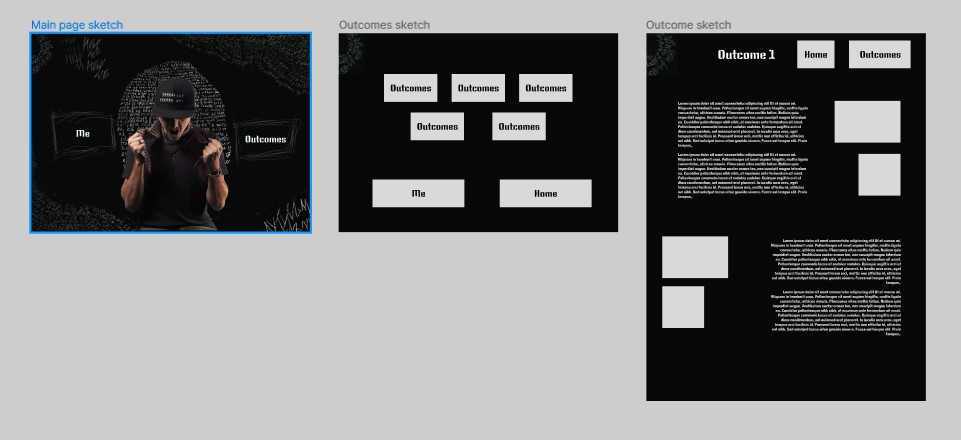
First Iteration

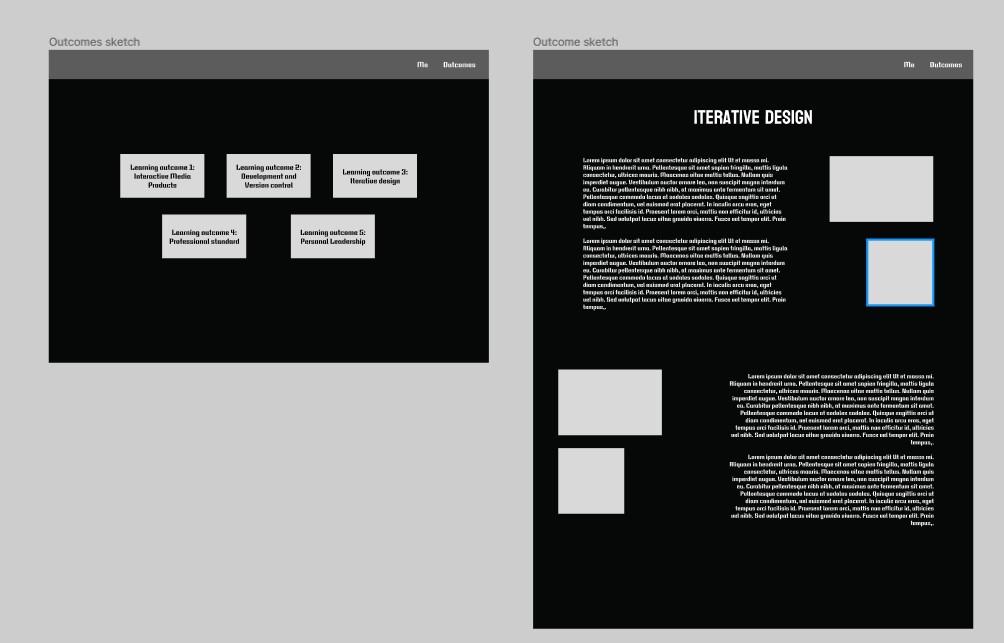
I asked Michael for feedback on the layout and how do I make it consistent, due to the absence of a header. He then told me that I can keep the landing page’s style, but change the others, and include a consistent header there. The result:
Second Iteration

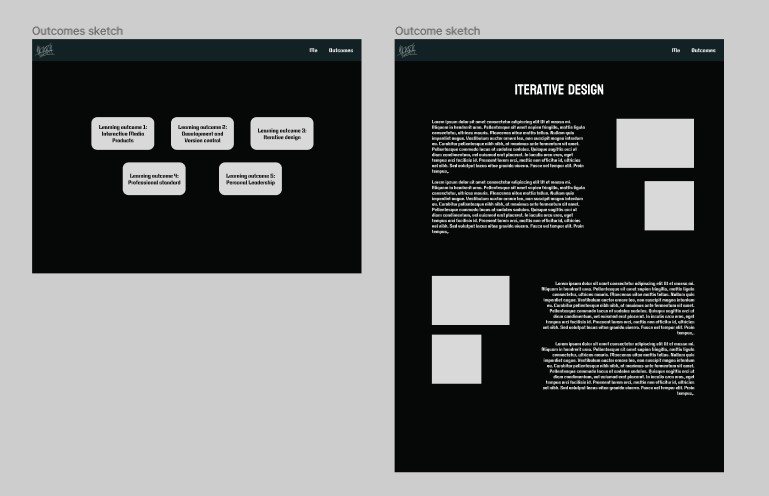
Afterwards, when I started structuring and gathering content for it, I noticed that creating a layout like the one above for the text would be hard to accomplish, and I decided to go with one, where you have explanation first, and then pictures and proof.
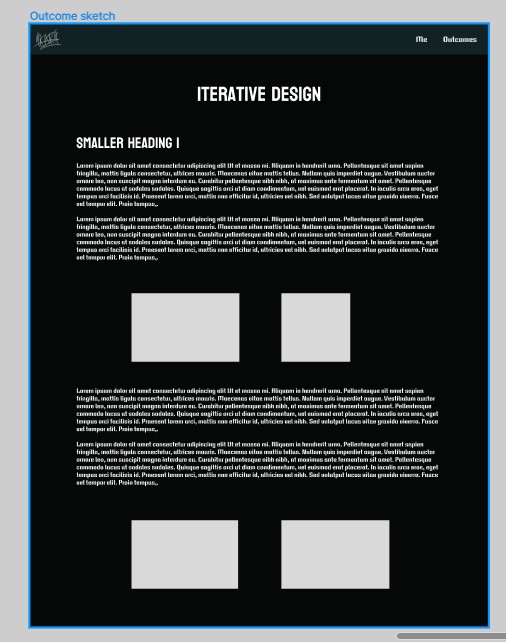
Third Iteration

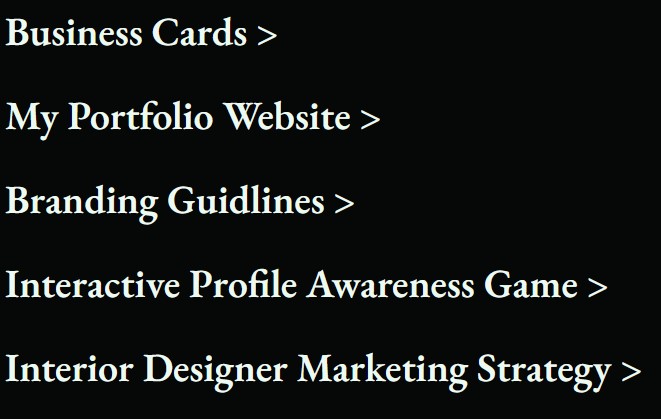
After I conducted user tests, I saw that it was hard for them to go to one page to another, and to scroll through the whole page, because it’s too long. Because of that I decided to create buttons that will help with that.

Two of them are up, as a navigation, and to fix the issue with scrolling I made the articles collapsible.

Forth Iteration

After conducting multiple user tests and gathering feedback from a number of people, I found that:

  • The headings are not apparent enough.
  • The bold text is hardly noticeable.
  • Most people want to see It from mobile, which was not possible.
  • It was boring.

To fix these problems I changed the headers to a red color.
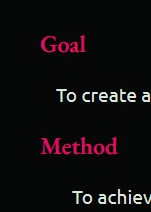
Made it responsive, so people can see it trough mobile.

Included more drawings and animations, and made the bold text a bit thicker and gave it a brighter color.
My Portfolio's Content

In the first version of my portfolio, I started documenting the content for it in a PowerPoint presentation. The idea behind that was to be able to easily convert it to a mostly visual pdf, so I could hang it in the first time, in case I didn’t do the website.

The problems there were that it was more of a notetaking practice that actual structured portfolio text, plus I was writing the content in a calendar like way, where I mention what I did every week, which I later understood is wrong.

First Iteration

After the first portfolio review, I understood that I must first - make it more visual, and second - structure it in a different way. There was also feedback, everybody was receiving, of putting more content in.

To do that, I started documenting everything in a separate Word document, and rewrote the whole content from scratch, to change the calendar like structure.

The problems there were that I wrote a whole lot of unnecessary text, and a lot of things in the wrong learning outcome.

Second Iteration

After my second review, other than the fact that I need to get an HTML adapter, I took away that I must improve my portfolio structure, with each type of content in the right learning outcome, make the text more readable, and shorten it to the point where I say what needs to be said, and not a lot more.

To make that happen, I created another word document, and started going trough the content of the previous one, once yet, rewriting everything to make it shorter and fit under the right learning outcome.

In order to collect new content I started taking notes in Obsidian, while doing something, so afterward I can summarize it and write it in the portfolio.


Interior Designer Copywrite

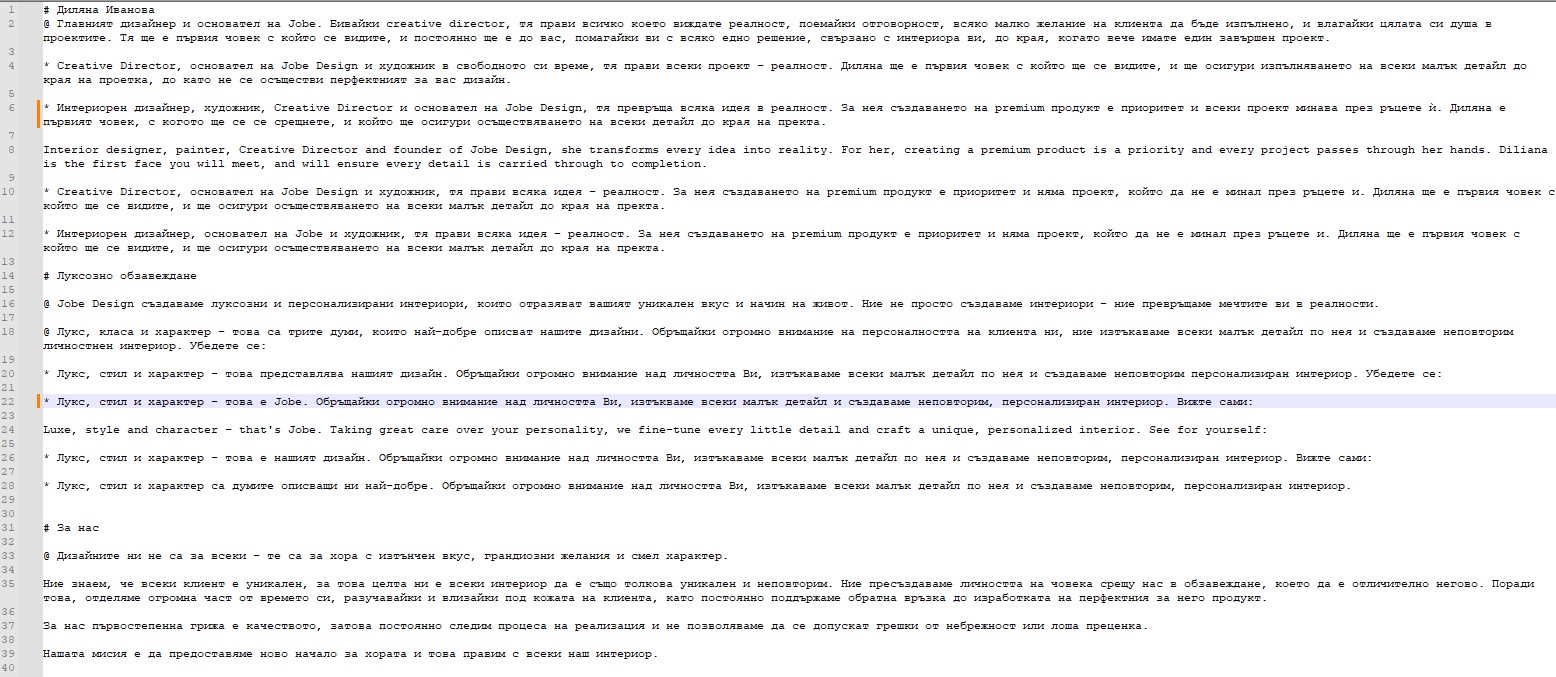
I had to write the copy for a website that we were implementing, both on Bulgarian and English. There were 3 main things that were lacking text, and they were the “About Us” page, and “The author” and “luxurious design” sections on the first page.

I opened a notepad, wrote down the 3 topics and started writing whatever was on my mind. I made a couple of versions for each topic and then narrowed them down, to improve and shorten the text.

First Iteration

I called my girlfriend, and a couple of other friends, and asked them which versions do they like the most. After getting similar answers, I picked those versions for each topic, and started making versions of themselves.

I experimented for a while, then chose the best ones, and started once again, narrowing them down, and getting rid of unnecessary information. At the end I was left with a copy for every topic.

Second Iteration

After I refined all of them, I called my mother, author of 3 books, and asked her if they are correct, and how she would improve them. After half an hour of arguing and editing, we now had every copy grammatically correct and sounding fluent.

Third Iteration

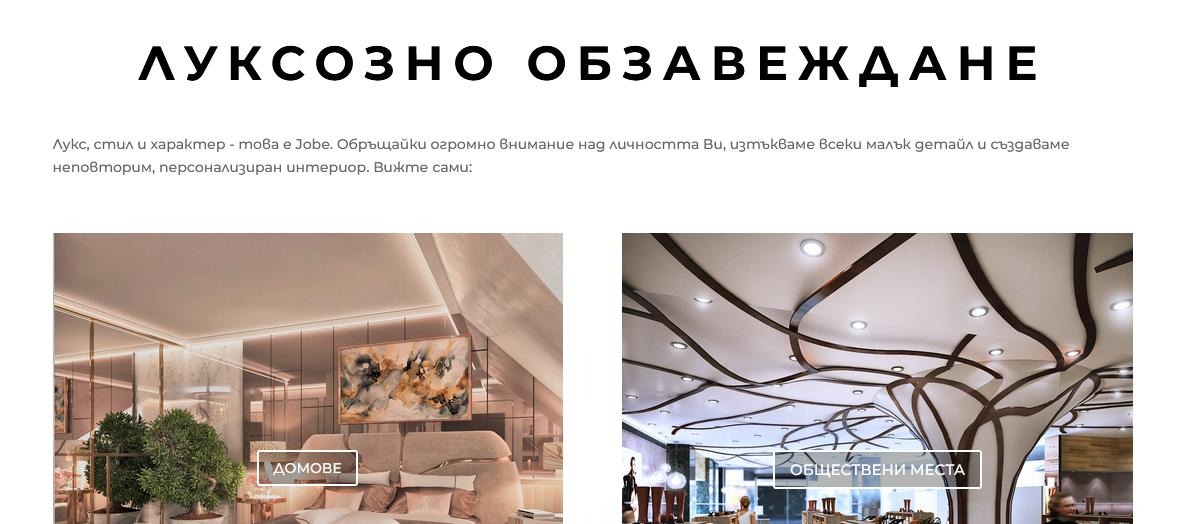
I then went into the unfinished website, and trough inspector tools, changed the lorem ipsum text to mine, and sent screenshots to the designer herself.

She then sent me her corrections, I edited the text again, based on them, and translated it to English. I sent it to the guy that manages the website, and he implemented my copies there.


Business Cards

Introduction

In the first week of our second semester, we were given a task to design business cards for ourselves. I decided to make a card that promotes my photography.

Goal

To create a design that is playful, but also represents my dark moody aesthetic inspired from my photos. The card, I should be able to give to people, when they ask me what do I do, or where they can see my work.

Method

I would get inspiration from other photographers' business cards, then I would research the basic rules of creating one. Afterwards, I would go into canva (since that was the only design software I knew how to work with back then) and design my own version.

What I Did

I designed one front of the business card, and some different back versions, where the picture changes. That way every card is unique and is a little bit more interesting.

Front side
  • Back side

Used Tools

Pinterest, Dribble - for inspiration
YouTube - for tutorials
Canva - for designing

Real Business Cards

Introduction

Since I started going around events and photographing random people, they started asking me for business cards. I didn’t have any, so I needed to create some.

Beginning

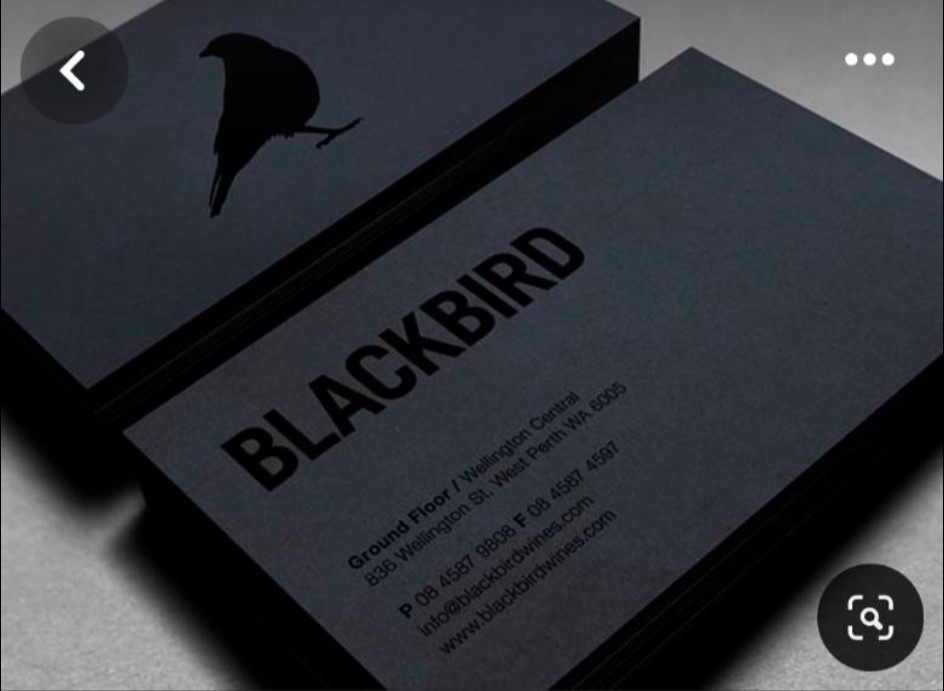
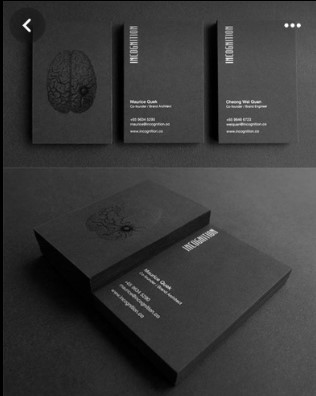
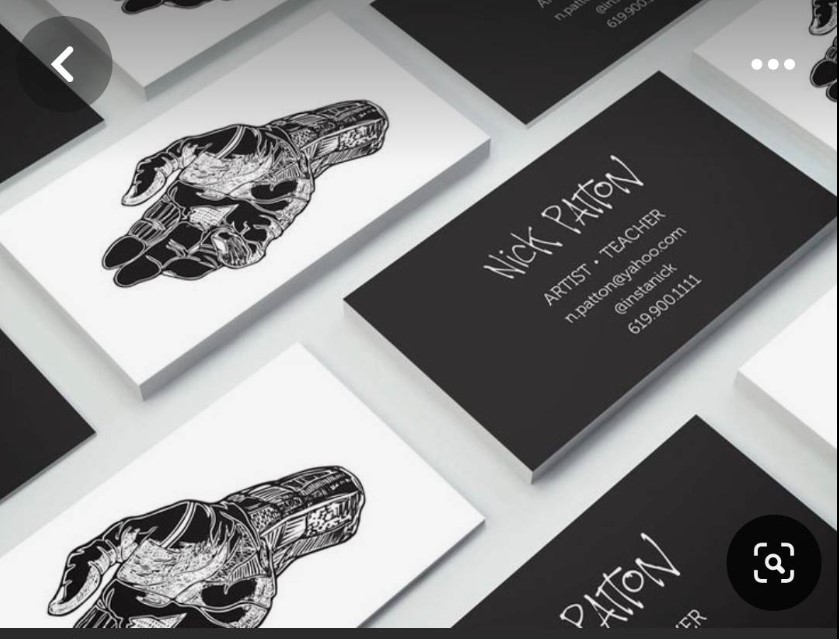
I wanted them to be as relevant to my style and brand as possible, so I first gathered inspiration from other “black/dark aesthetic business cards”. Here are some examples:

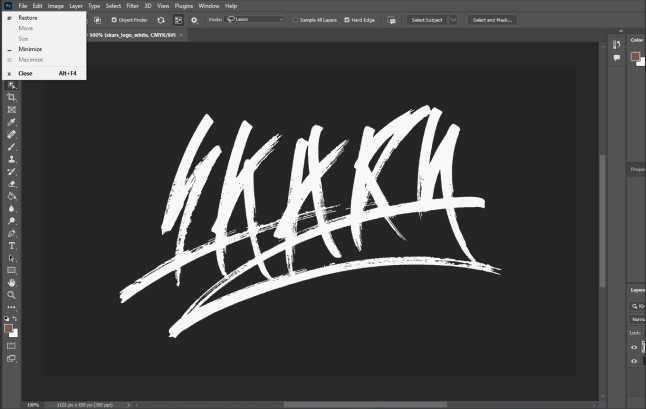
I decided one side to be only with my logo, and the other to have information on. I picked slightly brighter black, and a colder white color, and inserted my logo in photoshop.

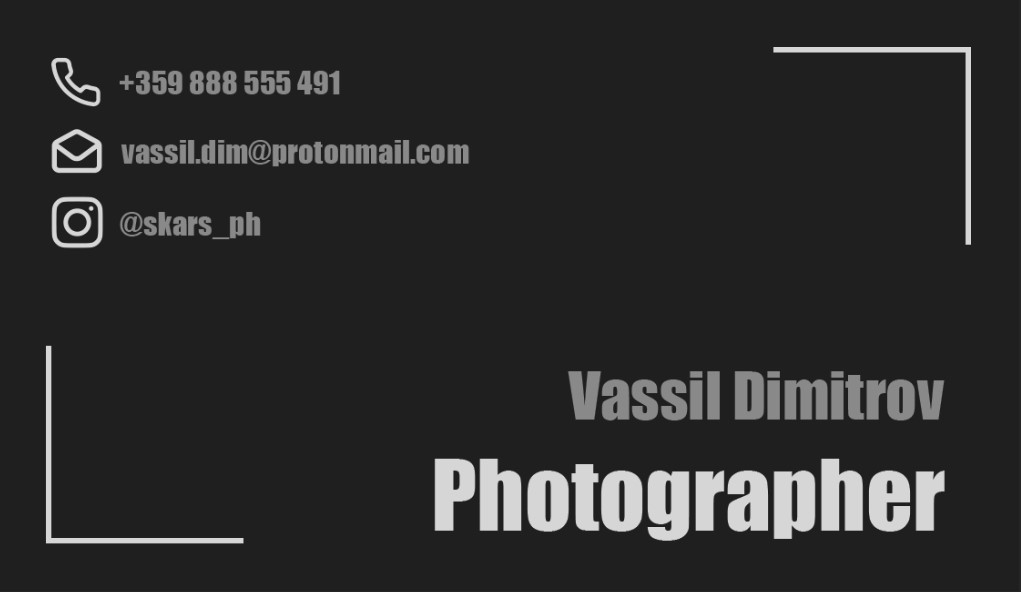
I then placed some information on the back side, and ordered it. I also put frames, so that it references photography.

First Iteration

After making it and sending it to some people, the feedback I gathered was that it was boring, and the text was also not readable because of the grey color. It was basically like every other generic business card. I hopped in photoshop again and started redoing it.

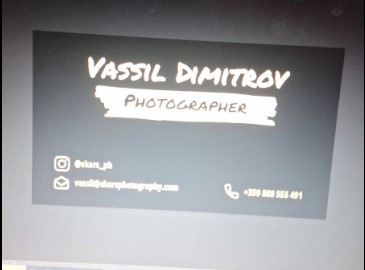
This time I gathered some elements from my website for Project X, like the paintbrush like background and the fonts. The result (sorry for the pic):

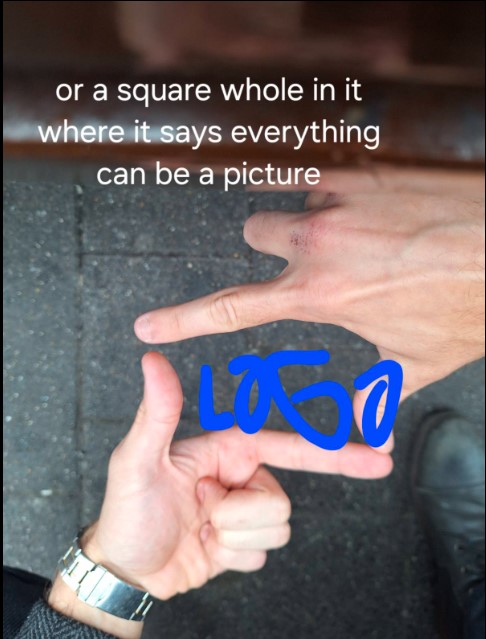
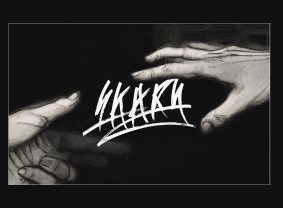
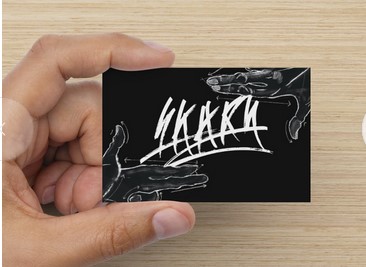
I also got an idea while traveling to a photoshoot, of making a hands frame for the front side, which will surround the logo. My phone notes:

I generated some hands, which didn’t work out as I wanted but were enough to make an example:

I then contacted a friend of mine and paid him to do artwork for it.

Second Iteration

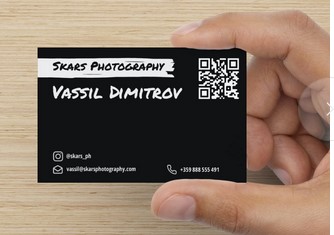
After another consultation with friends and relatives, I took away that it is still boring and basic. I didn’t know how to make it more interesting for the budget I have, but I also didn’t like it a lot. I decided to reorder things and that is the result:

I also included a barcode which leads to my Instagram.

As for the front side, I received the artwork, played around with it a little bit, and made this:

I decided to make the step and order them, so I can test them with real users.


Custom Design Assets

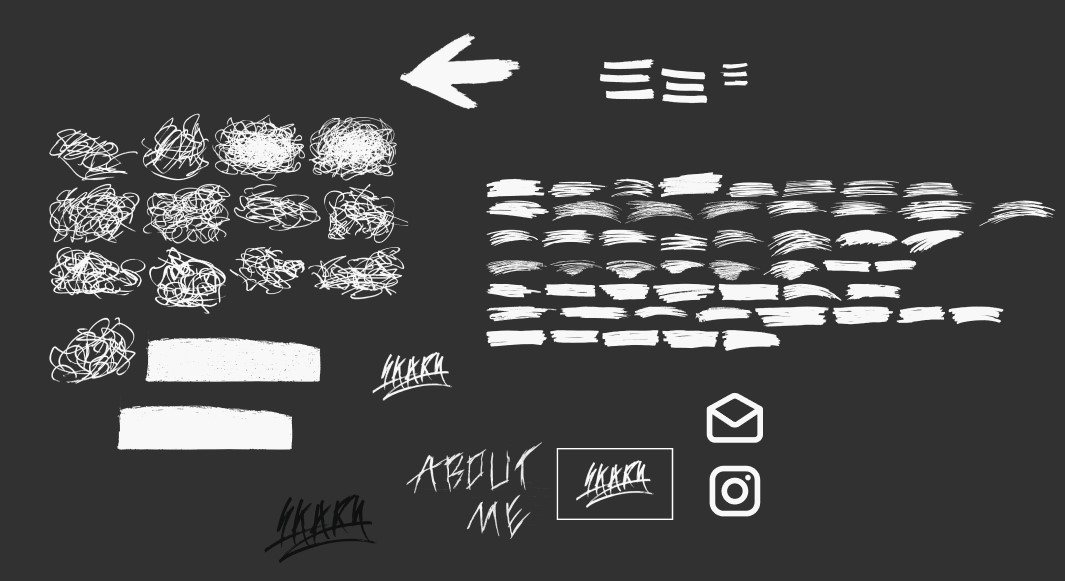
Here I will show you some custom design assets which I originally created for Project X.

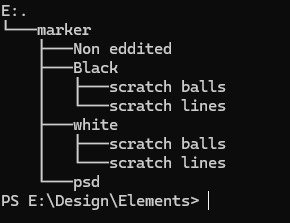
I managed to create organized visions of marker drawn elements, which you can use for whatever you wish.

The file structure

To create them I first drew them on paper, then I photographed them, got every single one in photoshop, masked them, changed the color and exported them.

Sadly the videos I made to show them are destroyed and gone, so I can't show you me on the ground drawing xd


My Photography Website Design

Introduction

As I’ve already mentioned, I’m working on becoming a freelance photographer. I needed to create a website that would suite me for when I must present myself, when people want to find me and my services and most importantly – when they want to see my photos.

In this section I will walk you through the process of making that website, and the reasoning behind the decisions I’ve made.

Beginning

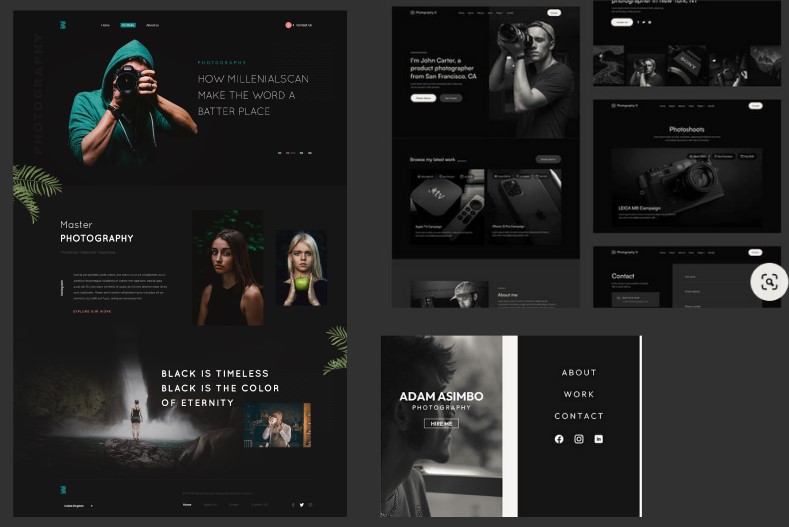
To start the project, I first had to gather some inspiration and ideas on how I want to make the website. To do that I:

  • Went around platforms like Pinterest, and Dribble,
  • Looked at a lot of other photographers’ portfolios,
  • Looked at tutorials on YouTube.
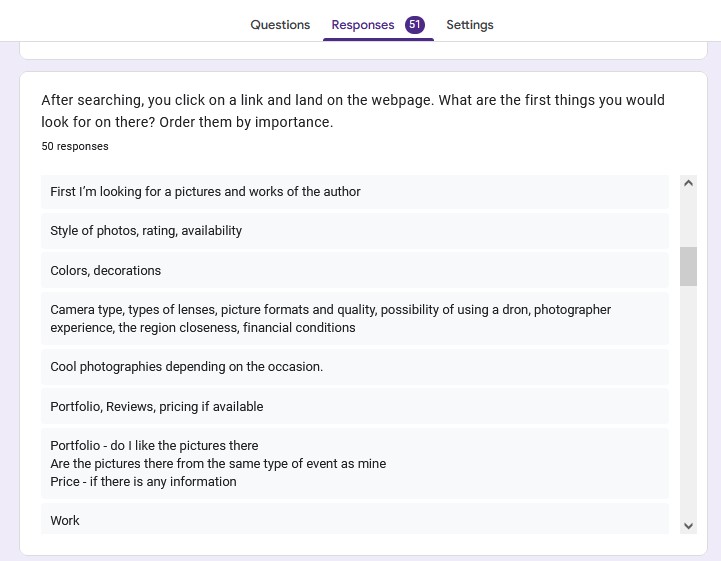
  • Did user research for finding out the key elements to include.

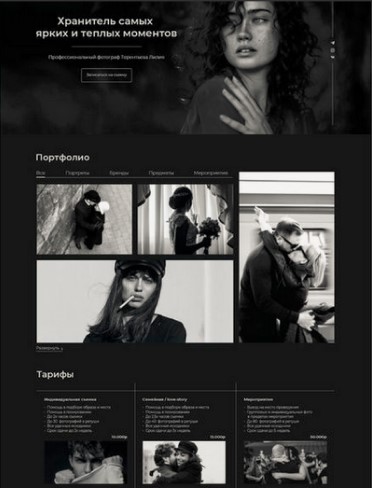
These are some of the examples I’ve collected:

As for the research (see more in the “Professional Standards” learning outcome page), it identified the most important elements in that order:

  1. Previous pictures (portfolio),
  2. Pricing/terms of service,
  3. Reviews,
  4. Contacts,
  5. Web design,
  6. Availability/calendar,
  7. About me sections.

Low Fidelity Prototype

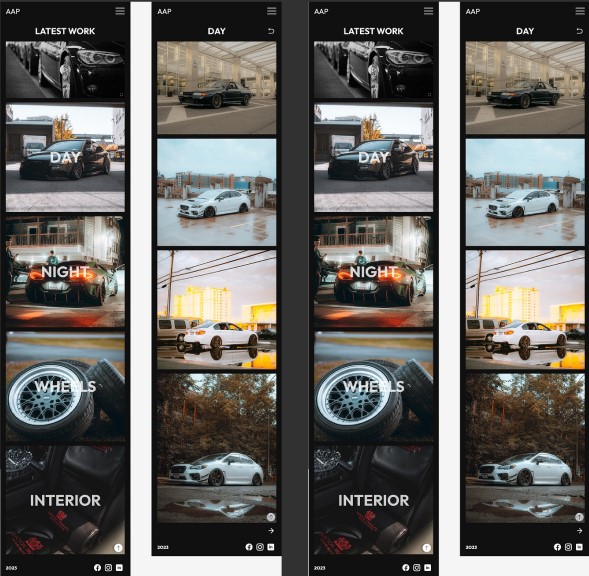
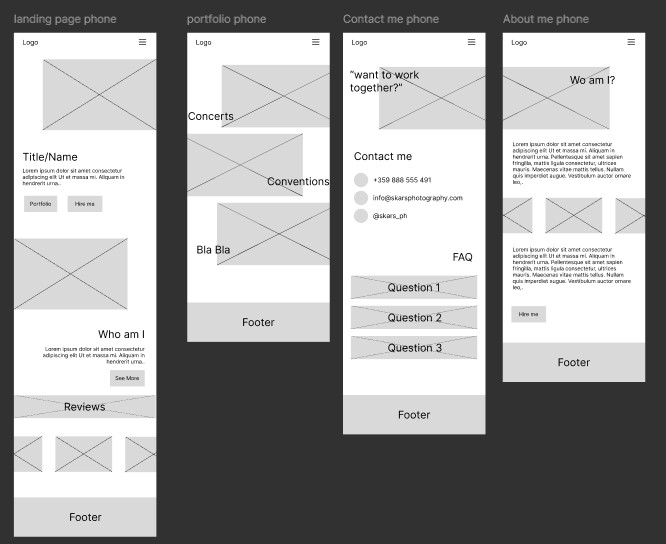
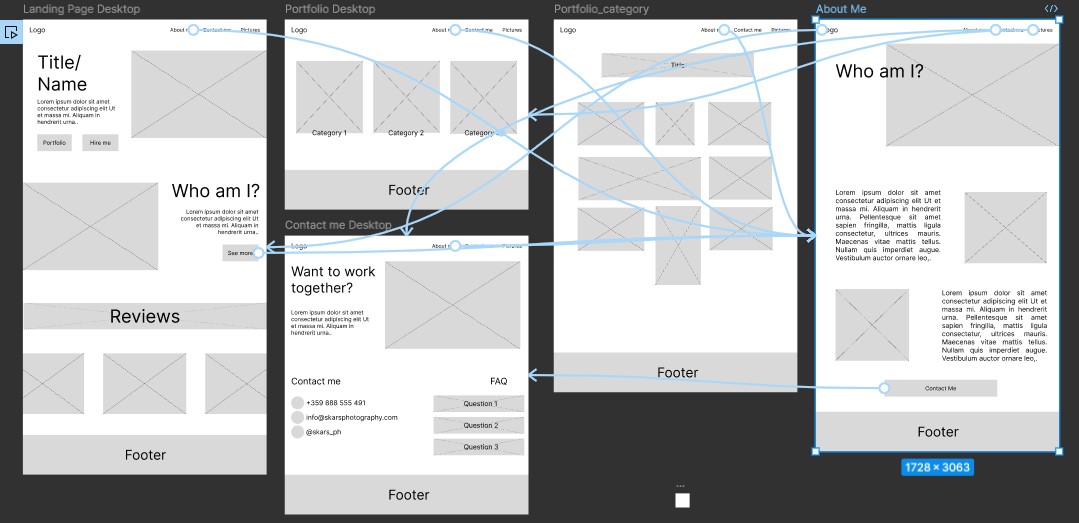
After gathering information, it was time for me to start designing the thing. I started designing the mobile version first, and then did the desktop layout for the website.

Afterwards I used it for user testing (more in “Professional Standards” page), and got the following results:

  • I need to add photos to the landing page,
  • Incorporate a 'go back' button on category pages,
  • Showcase recent work and provide direct links to the contact page from category pages.

First Iteration

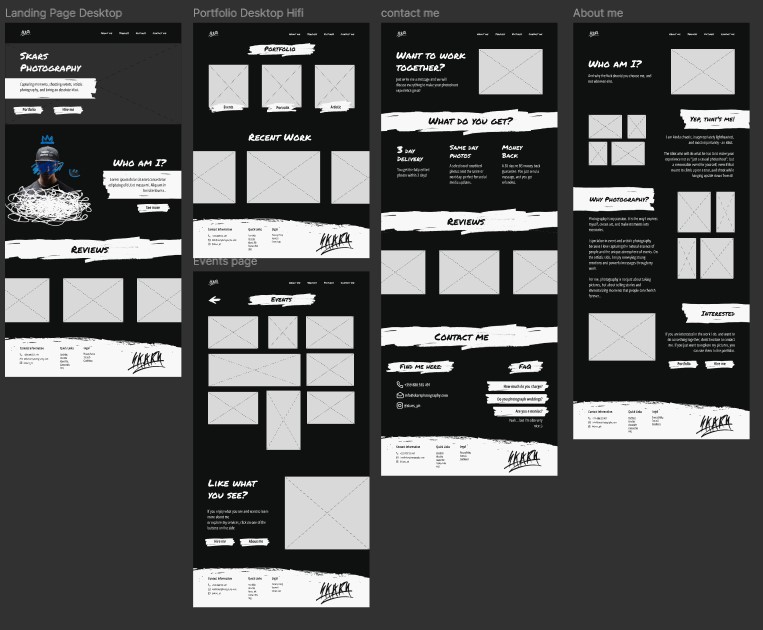
After collecting the results mentioned above, I started making a high-fidelity prototype, where I would explore different design options.

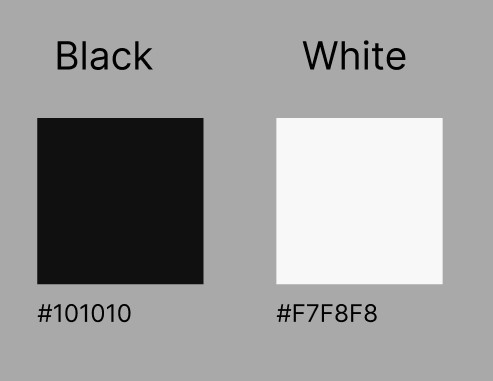
The first decision I made was that the site was going to be black and white. I then picked exact black & white colors, which I liked, and thought fit together.

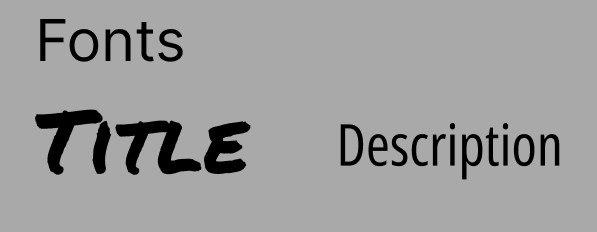
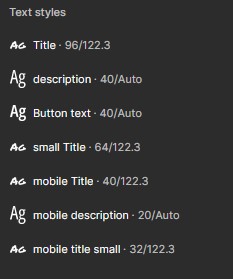
Afterwards I went through the challenge of choosing a font. That was one of the hardest things for that project, but with the help of teachers and colleagues, I stuck with two fonts, and made variations for them:

After that, I created some visual elements, and picked icon styles that I was going to use:

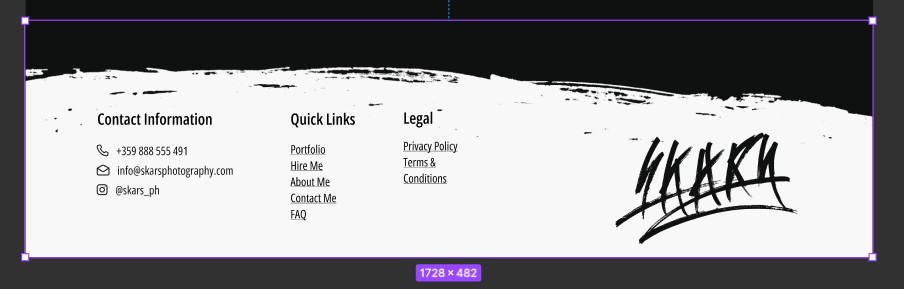
Created a header and a footer, and finally assembled everything into webpages.

After Development

If you wish to see the Figma file, click here.

For the future there is still more user testing and iterations to be done, but outside of time scope of this project.